Saved print history
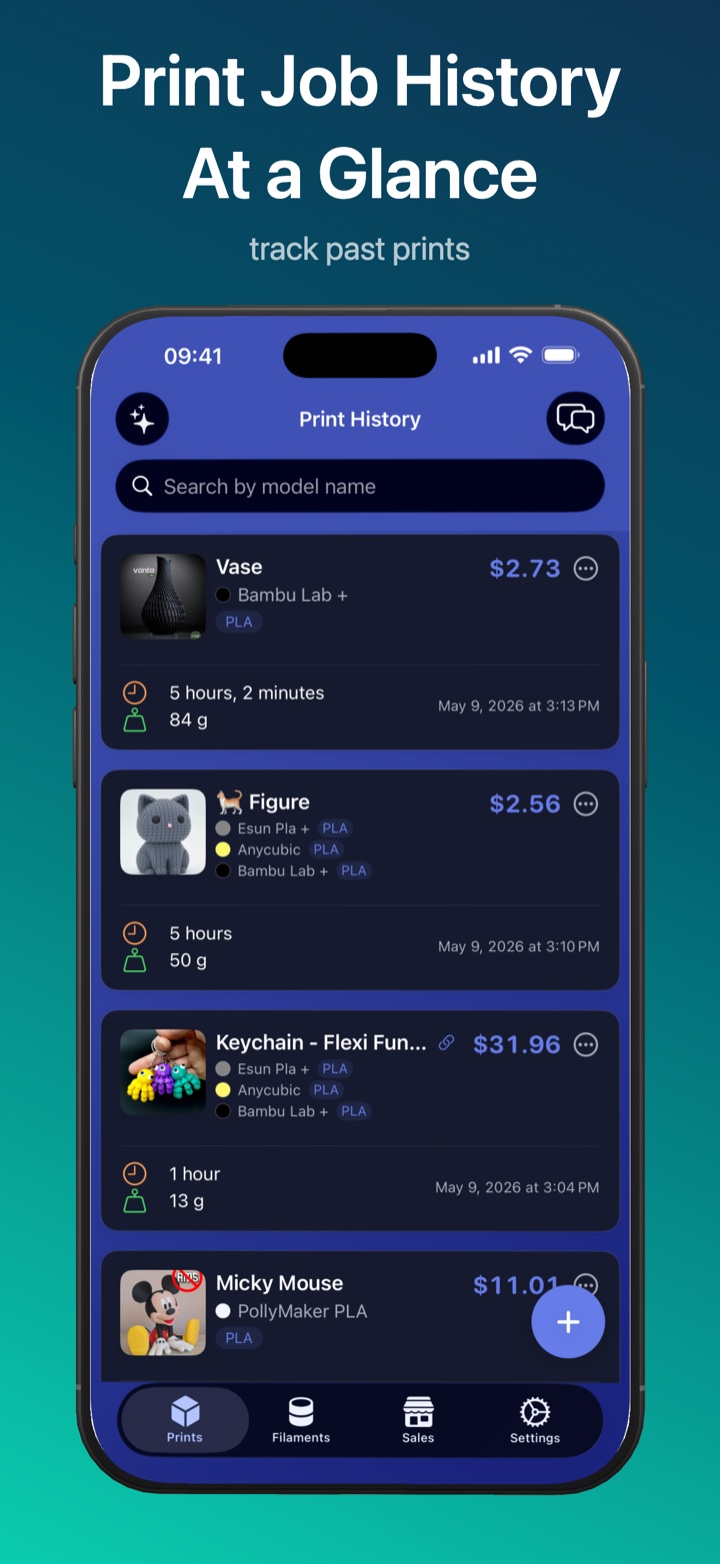
Keep every job searchable instead of rebuilding estimates from scratch.
 PrintMate 3D print cost calculator
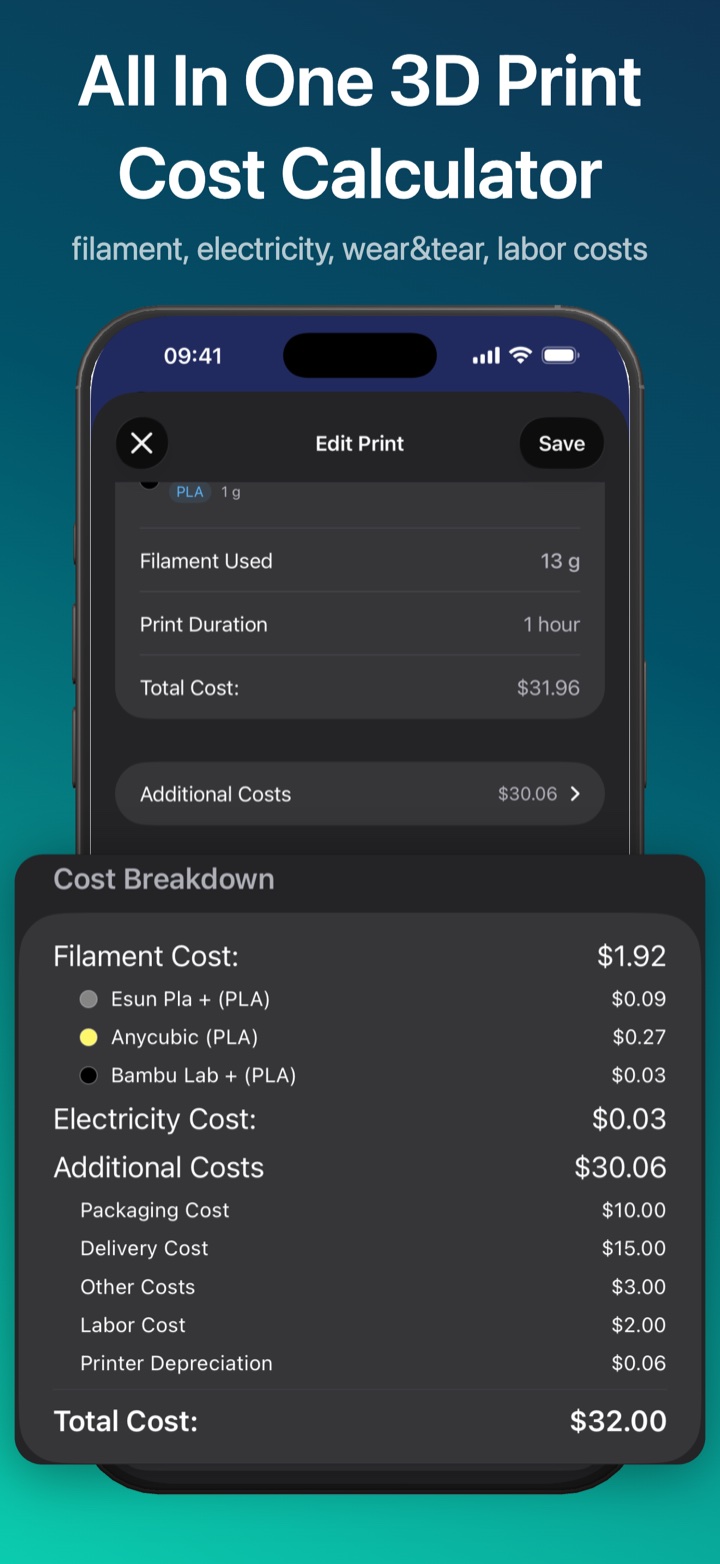
 Calculate material, electricity, labor, fees, VAT, and profit. Use the free web calculator for a quick estimate, then save and manage your work in PrintMate.

Continue in the app
Keep every job searchable instead of rebuilding estimates from scratch.
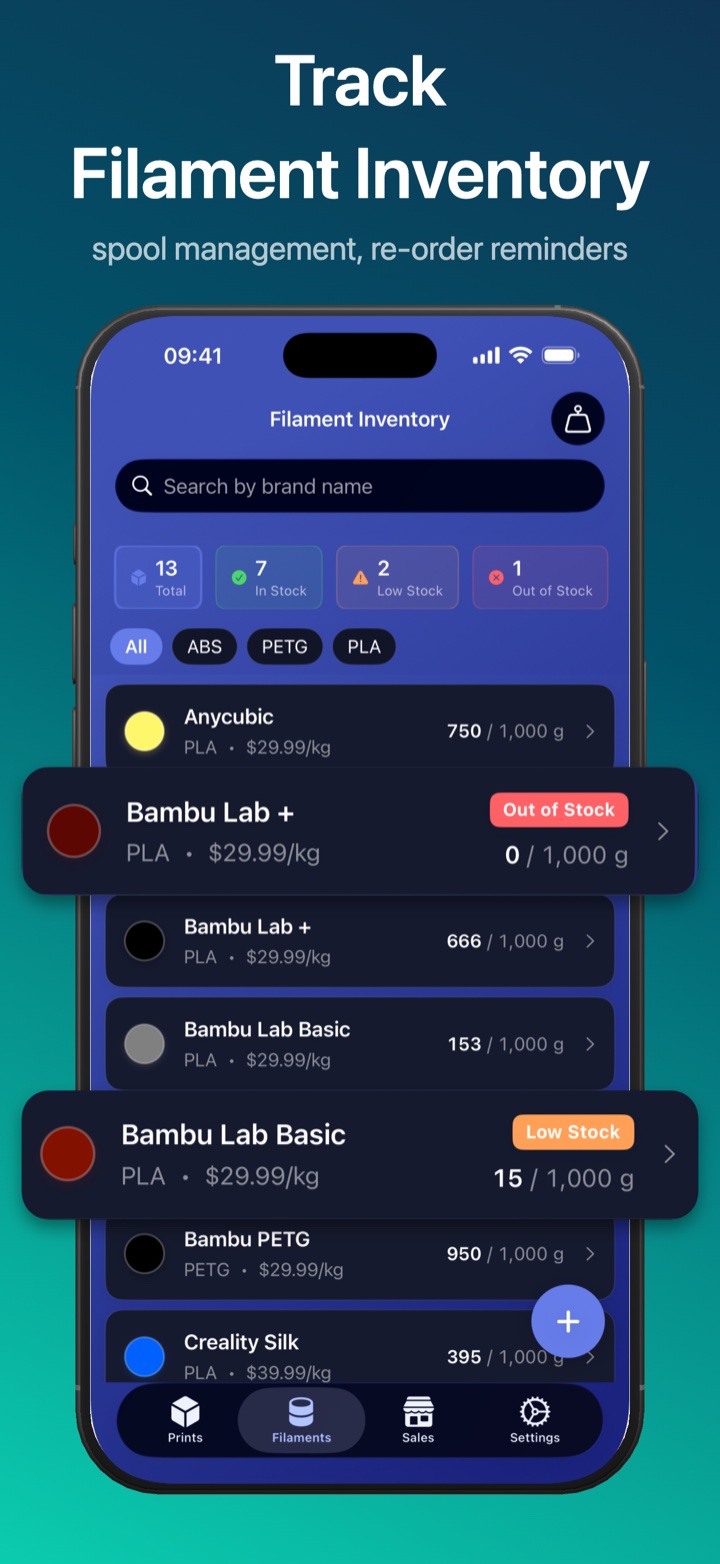
Track rolls, remaining weight, colors, brands, and low-stock moments.
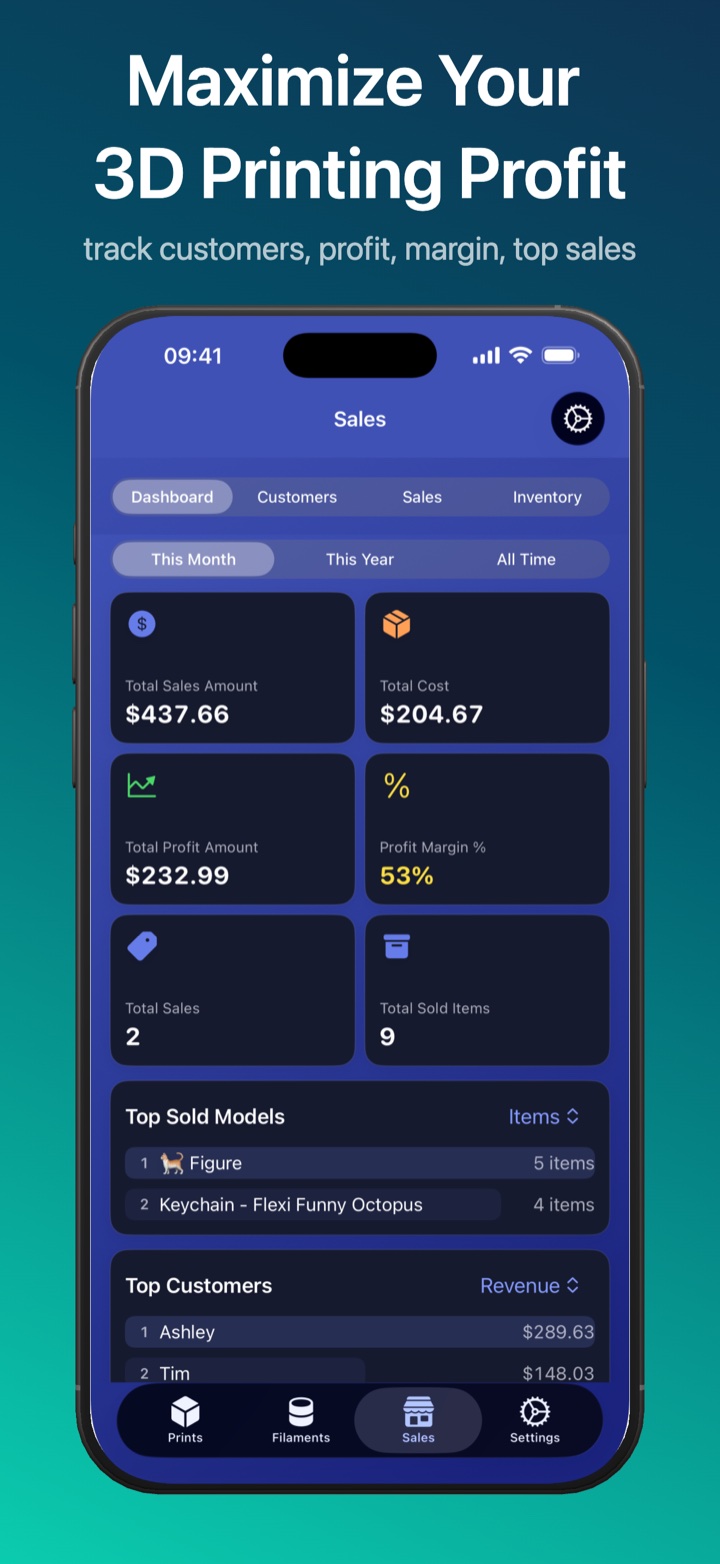
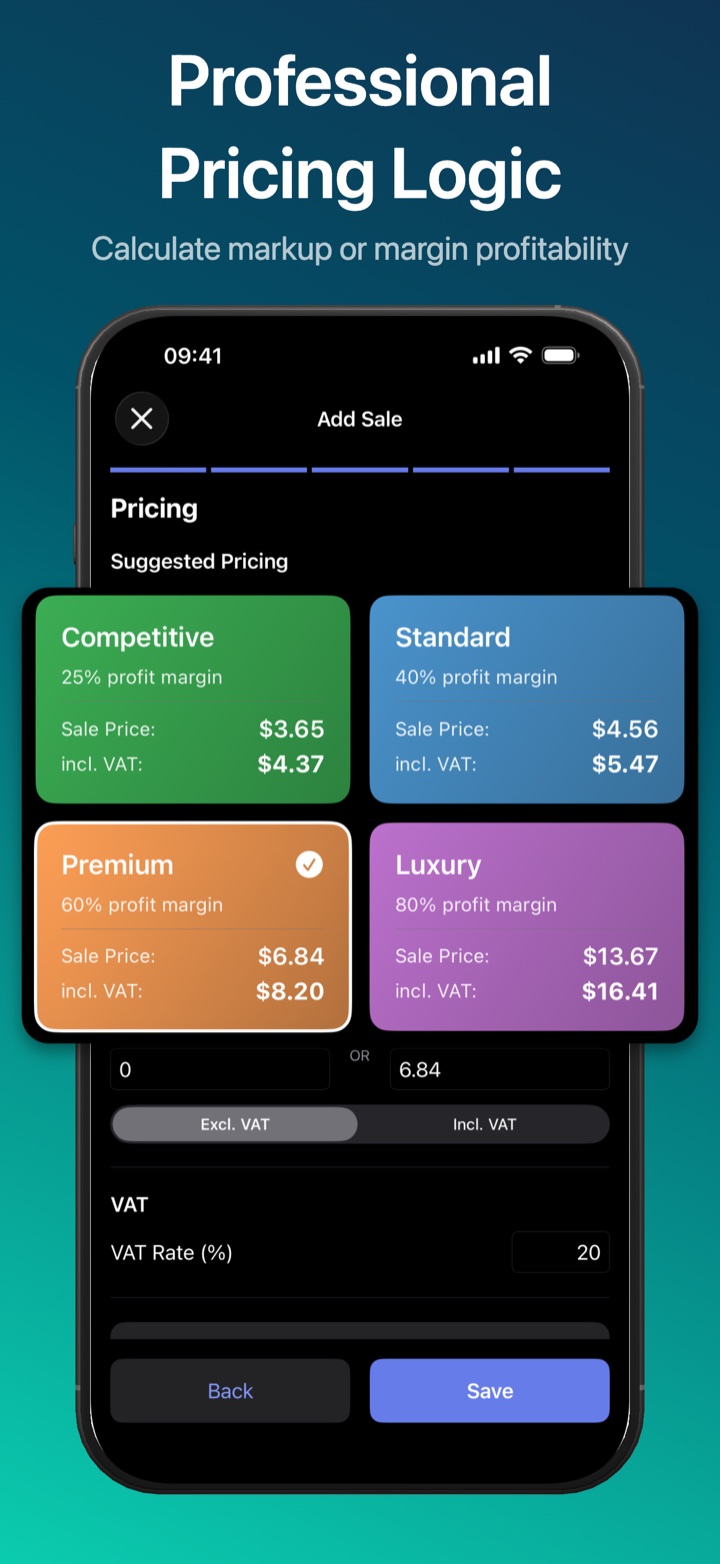
Use presets, VAT-aware pricing, profit targets, and customer records.
Carry materials, prints, customers, and settings across devices.
Built for repeat work
PrintMate keeps materials, jobs, customers, and sales information together on your devices.
Who is PrintMate for?
Frequently Asked Questions
PrintMate is a 3D print cost calculator and filament inventory tracker for iPhone, iPad, and Mac.
Yes. PrintMate calculates filament cost based on spool price, material usage, and remaining inventory.
Yes. PrintMate helps calculate real costs and add profit or markup margins so makers can price 3D prints confidently.
Yes. PrintMate tracks filament spools and helps monitor inventory usage across print jobs.
Yes. PrintMate supports iOS and macOS.
App summary
Guides and comparisons
Use complete costs, then add profit and selling fees with a repeatable pricing process.
Read guideSee why dedicated tools are faster for repeated quotes, inventory, and job tracking.
Read comparisonTurn spool price and filament usage into a dependable per-print material cost.
Read guideSet a margin that covers risk, effort, and overhead after the complete job cost.
Read guideKeep spool counts, colors, and remaining weight organized across print jobs.
Read guideSpreadsheets can work, but PrintMate is built for repeated print jobs and quick pricing.
Read comparisonComparison content
A spreadsheet can work for one-off estimates, but PrintMate is better when you need saved print history, reusable presets, filament inventory, customer records, sales tracking, and iCloud sync.
Manual math is fine for a single quote, but PrintMate reduces repeat work and formula drift.
Read comparisonSee how the same tool supports a weekend maker and a higher-volume shop in different ways.
Read comparisonUse consistent pricing, selling fees, and inventory tracking for repeat listings.
Read comparisonTrack multi-material workflows, colors, and remaining spools without juggling separate notes.
Read comparisonContinue in PrintMate
Download PrintMate to save calculations and manage your 3D printing workflow.